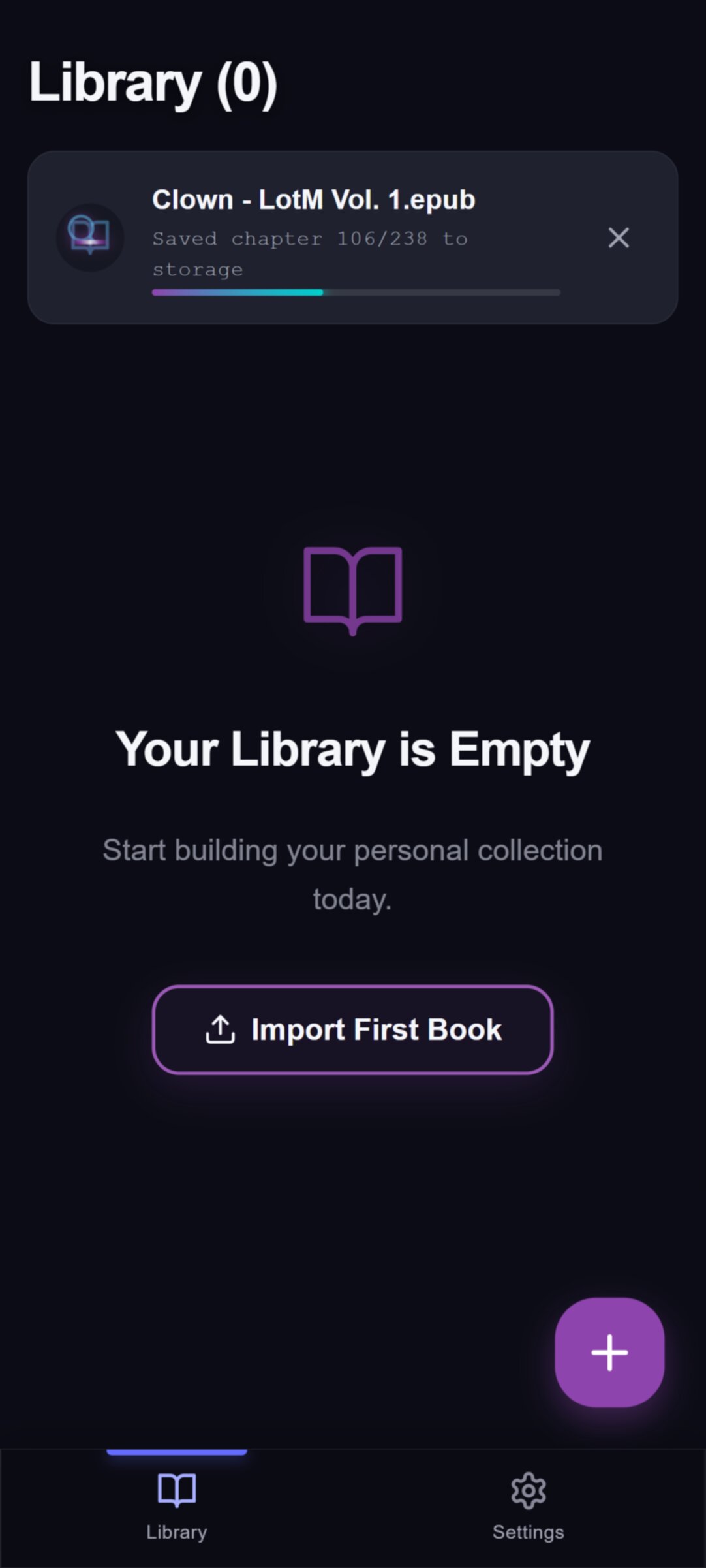
Your book stays on your device
Import and read your book on your device. Optional sync stores library details and reading positions; reporting a chapter problem sends that chapter’s text. See the privacy policy for data controls.
The end of static text
Characters, recaps and lore that follow your chapter, in the app or in a reading guide on the web
Illustrative profile examples from Mary Shelley's Frankenstein (1831 text), with spoilers through chapter 24, the last chapter. These are rewritten examples, not quotations from the novel. Scroll to see a profile change at different reading positions.
Walton's ship is stuck in the Arctic ice when the crew sees a dog sledge racing north. Its driver, the traveller, has the shape of a man but looks far too big. In Letter 4, nobody on board knows who he is.
A huge figure seen from Walton's ship, which is stuck in the Arctic ice. In Letter 4, he drives a dog sledge north until the crew loses sight of him. Nobody on board knows who or what he is.
At night he gathers firewood for the poor family next door, and they never see who helps them. In Chapter 12, the Creature learns his first words by listening through a gap in the wall.
Victor's creation, telling his own story. In Chapter 12, he hides in a shed against a poor family's cottage, gathers their firewood in secret, and learns words by listening. Then he sees his reflection in a pool.
Victor lies dead in Walton's cabin, and a giant figure stands over the body. In Chapter 24, the sledge driver from Letter 4 turns out to be the Creature, who mourns his maker.
The sledge driver from Letter 4. He killed William, Clerval and Elizabeth, then led Victor north. In Chapter 24, he grieves over Victor's body, says he will burn himself, and drifts away on an ice raft.
Pick where you are in the book and look up characters and story context up to that point. For the same help with the books you own, read them in the EnrichReader app.
Three steps to turn your static books into a living, interactive world. No lock-in, just better reading.
See how it works, in detail
Import and read your book on your device. Optional sync stores library details and reading positions; reporting a chapter problem sends that chapter’s text. See the privacy policy for data controls.
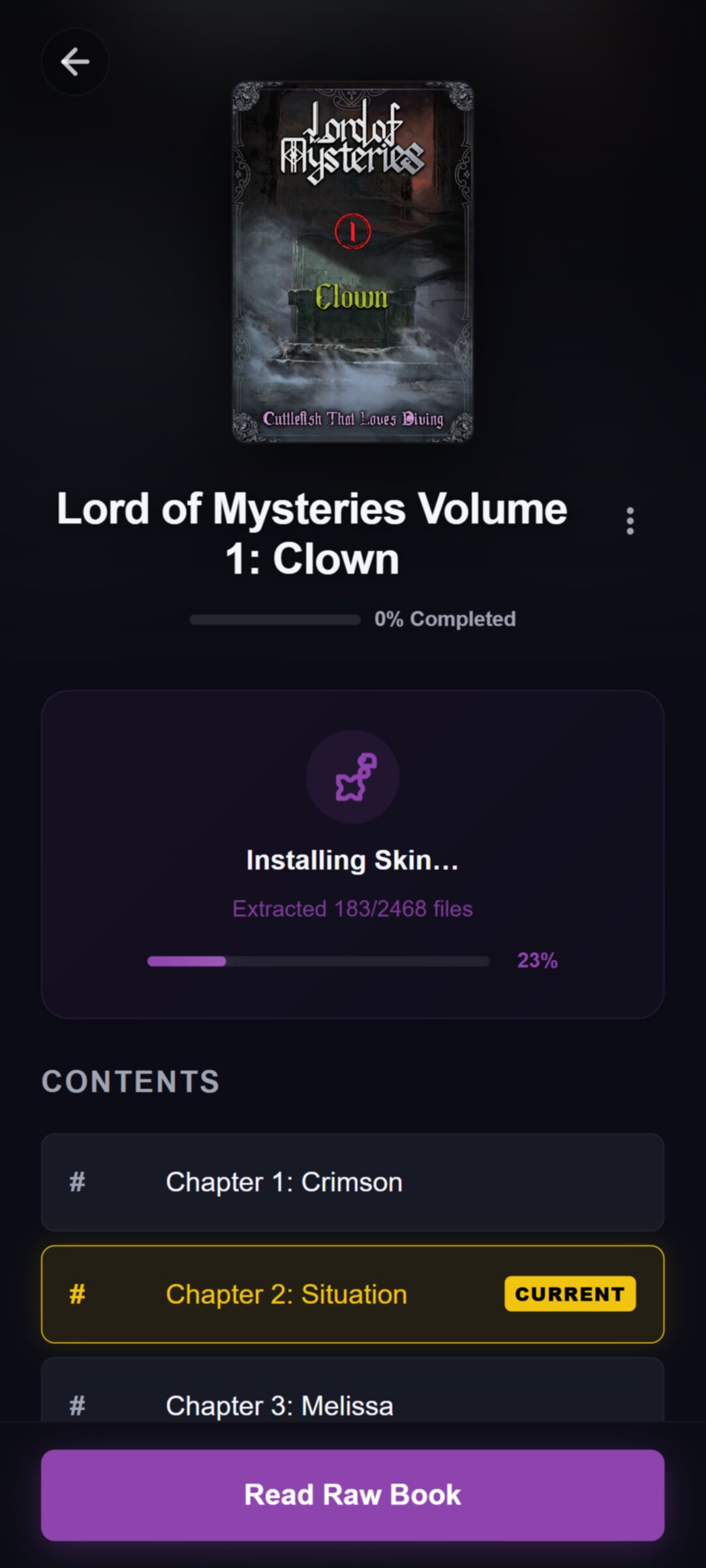
Sign in to find and install a matching Skin for a supported story. Skins are prepared in advance and add character profiles and lore lookup.
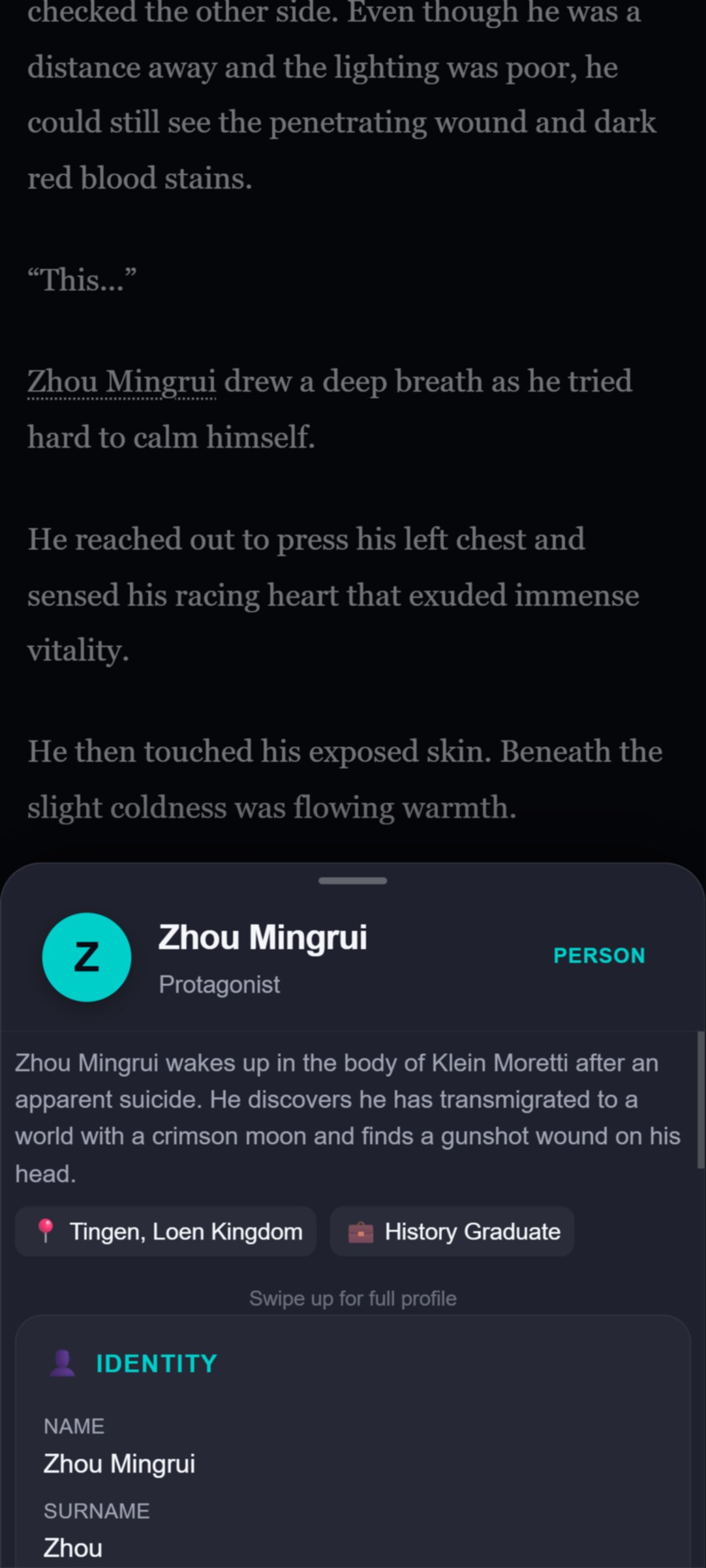
Open your book to read a living story. The reader updates character bios and timeline events as you turn the pages.
We build living archives for long-running fiction to keep you immersed without interruption.
See an RPG-style profile that displays only what you know about a character up to your current page. Read deep lore without spoilers.
Unlock a living archive of plots, characters, items, and locations as you progress. The story reveals its secrets layer by layer.
Weather and light behind the text, and artwork at key scenes. Each appears when the story reaches that moment, never before. What you see depends on the Skin.
"I love stories, but keeping track of 50 characters over 1,400 chapters started feeling like homework. I built EnrichReader to handle the memory work so I could stop studying and just enjoy the story."
EnrichReader is a reading app for long stories. For partner series, it shows who each character is and what has happened so far as you read, only up to your current chapter. No spoilers.
EnrichReader runs as an Android app and as a web reader in any modern browser. On iPhone and iPad, open the web reader and add it to your Home Screen. Some books also have a reading guide on our website, but the app gives you the full experience: your book and its companion in one place, even offline once you download them.
You can import your own lawfully obtained, DRM-free book files. Skins are separate companion data for partner series, so you still need your own copy of the book.
A wiki article can reveal a character’s whole story at once. With a matching Skin, EnrichReader limits character profiles, lore, and relevant artwork to your reading position.
You can import any book and read any story in the app. Partner series also have a Skin, which adds character profiles and lore that follow your progress. The list of partner series changes often, so the best way to check is to search for your series in the app.
Yes. Your books are stored on your device. Install the app and download the book and any Skin before you go offline. Your book files are not uploaded. See our privacy policy for details.
No. You can read your own books without an account. You only need one to install Skins and to sync.
With a matching Skin installed, open character profiles and the lore directory at your saved reading position to refresh your memory. Information is limited to that position, so check it is correct before looking up a character.